Home / Excavation
For excavation & site work
Site visits booked while you're in the machine.
Driveways, foundations, septic and drainage: the phone assistant answers in your company's name, takes the details and books a site visit or a callback. Nothing gets priced over the phone. After you've seen the site, the quote and deposit go out by text, and the invoice goes out when the crew marks the job done.
Local, owner-to-owner. Month-to-month, no long contract.
What you get
The paperwork that eats a site work week.
Quotes, crews and follow-up visits on one board.
"We need a new driveway before the snow."
Every call becomes a site visit or a callback
The assistant takes the address, the job and the timing, books a site visit or a callback, and the customer can send photos of the site.
"They said yes, but we never got the deposit."
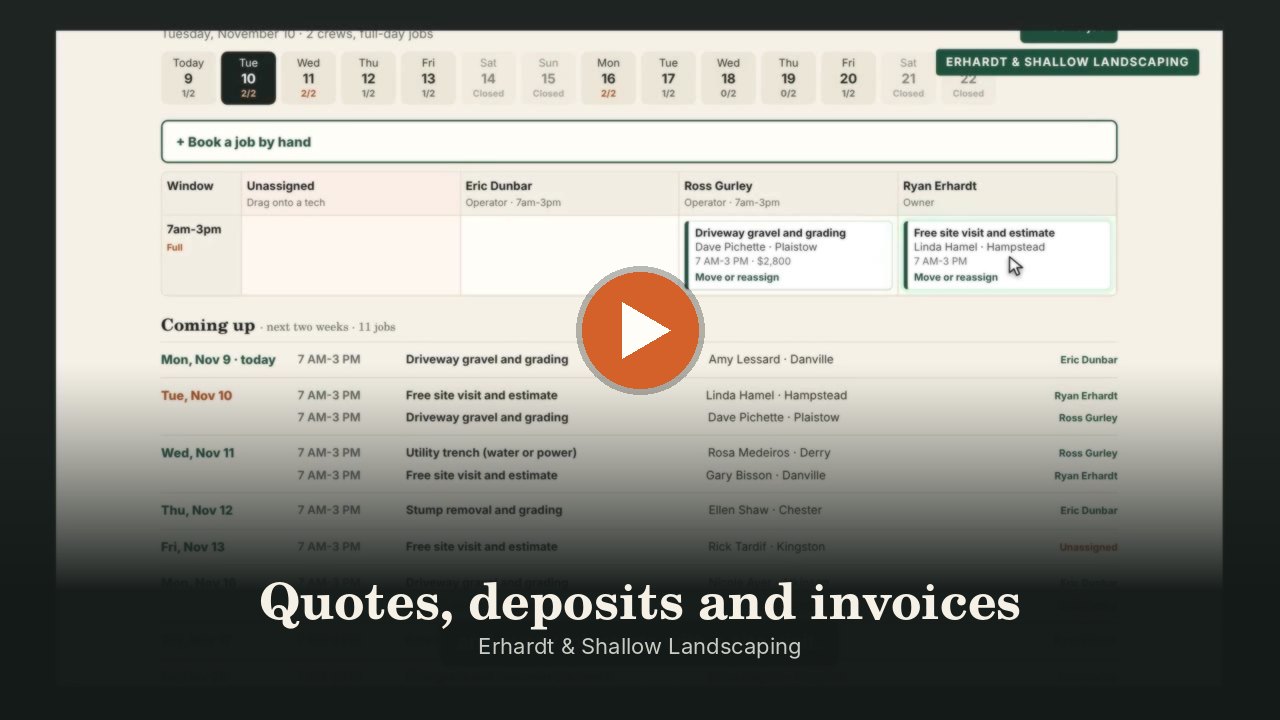
Quotes and deposits by text
Text a quote, and the customer approves and pays the deposit on their phone through your own Square account. Schedule it in one click.
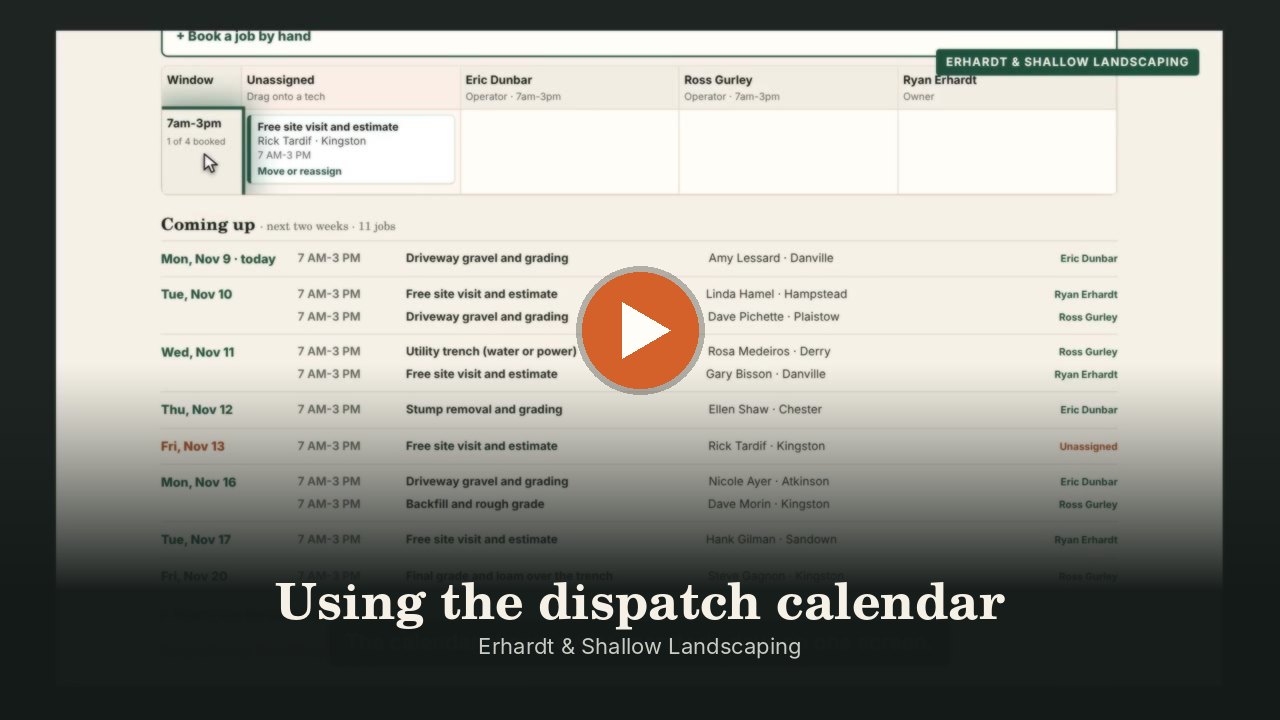
"Who's running the excavator Thursday?"
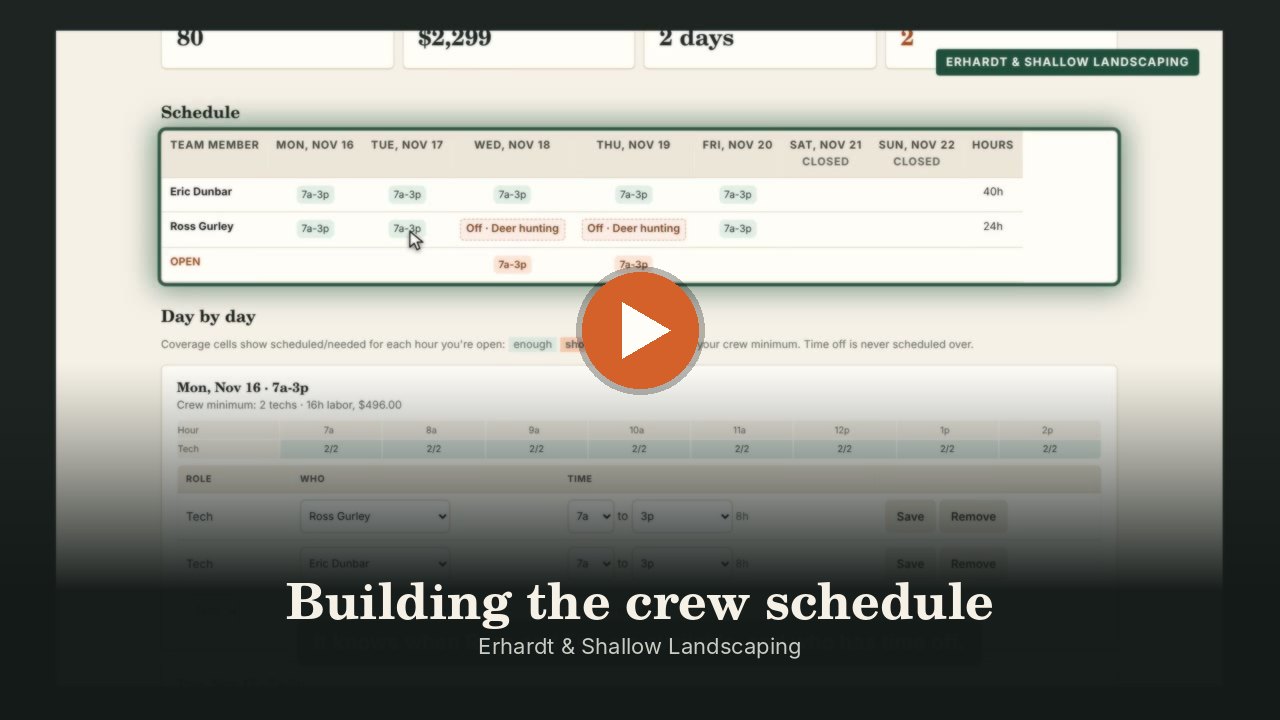
Crew schedules around time off
Build the week around availability and time off and post it to the crew by text. Operators see their own jobs on their phone, with no prices.
"Backfill after the pour slipped through the cracks."
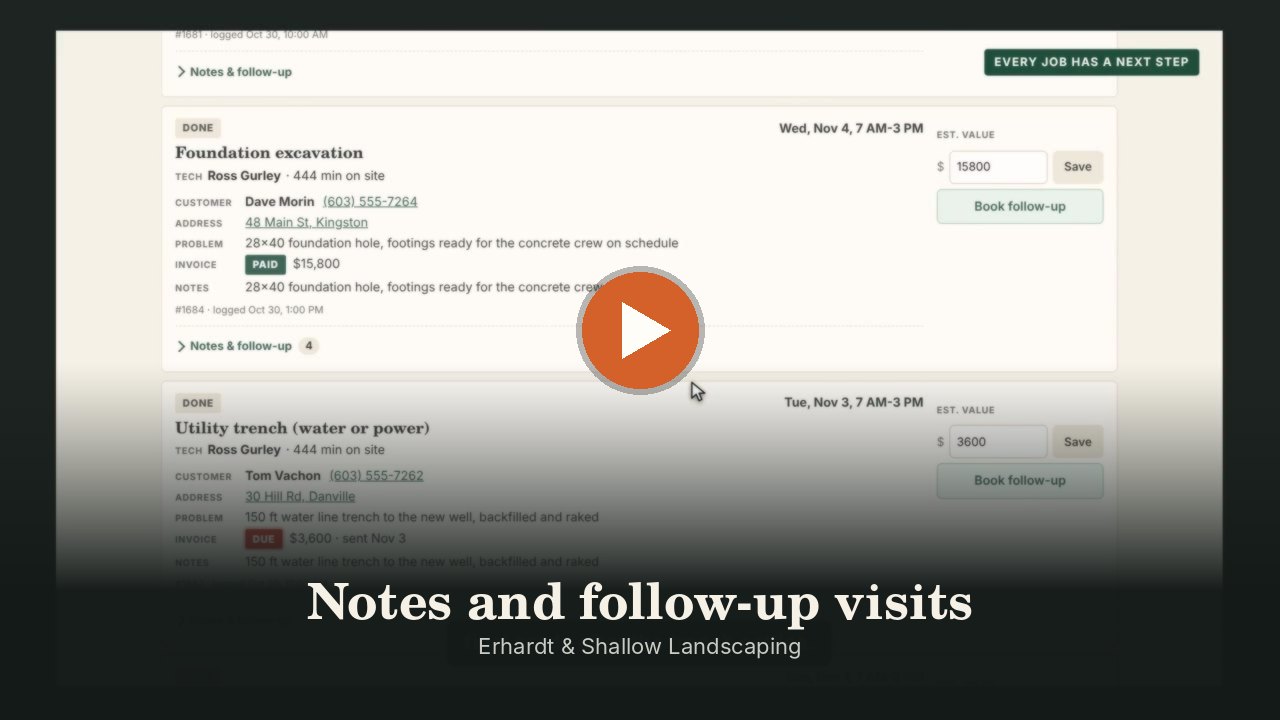
Follow-up visits linked to the job
Backfill, final grade and seeding get booked as follow-ups, linked to the first job, and the invoice goes out when it's done.
"Six inches by 3 AM and forty driveways to clear."
Storm routes on every crew's phone
Start a storm with one tap: every plowing customer goes on its crew's phone in route order. Customers get a “plowed” text when theirs is done, per-push invoices go out on their own, and season contracts bill with one button.
Need something it doesn't do?
Tell us how you work. We'll build the rest.
No two shops run the same way. If you need a screen, a report or a step that isn't here yet, we build it into your setup instead of handing you a workaround. Plow routes started exactly like that: one plow contractor asked. See everything it already does.
Video tours
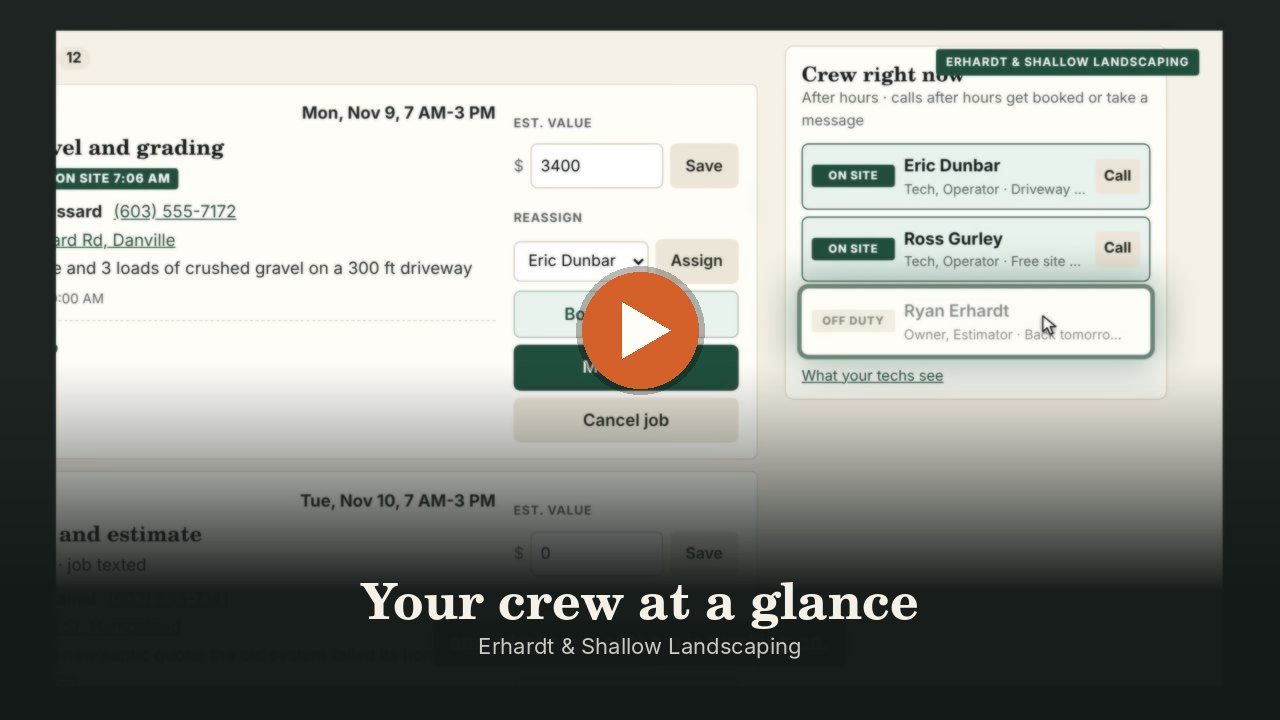
An excavation company, start to finish.
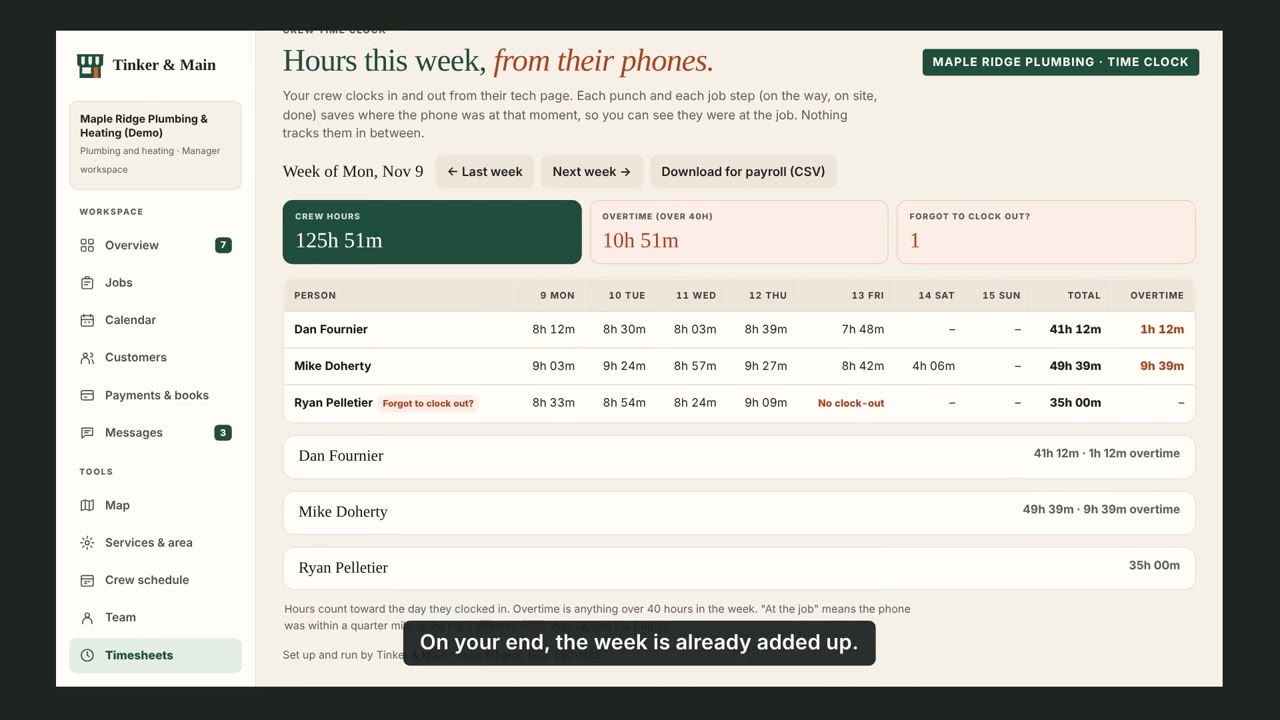
Real screen recordings of the app, set up for an excavation company. Captions are on every video.

Questions
Questions excavation contractors ask.
Will this replace my receptionist or office staff?
No. It doesn't replace your office staff. It catches the calls they can't get to: after hours, at lunch, and when they're already on the other line. Your team gets every message on the same board, so nothing slips through and nobody has to stay glued to the phone.
Can customers pay a deposit before we mobilize?
Yes. Quotes go out by text, and customers approve and pay the deposit online through your own Square account. The job is ready to schedule as soon as it's paid.
Do my operators see prices?
No. Each operator gets a private link with their own jobs, directions and notes, and no prices.
What about multi-visit jobs?
Follow-up visits like backfill and final grade are booked from the first job and linked to it, so nothing gets forgotten.
Do you handle snow plowing?
Yes. Keep your plowing customers in route order with their crew and price. When a storm hits, one tap puts every stop on the crews' phones, customers get a text when they're plowed, and you bill per push or per season.
What if the job grows once we're there?
Add a change order from the job card. The extra work and price go to the customer by text, they approve it on their phone, and it's added to the final invoice. Your crew sees the added work, never the price.
Is there a contract?
Service is month-to-month with a flat monthly price. Cancel with 30 days' notice.
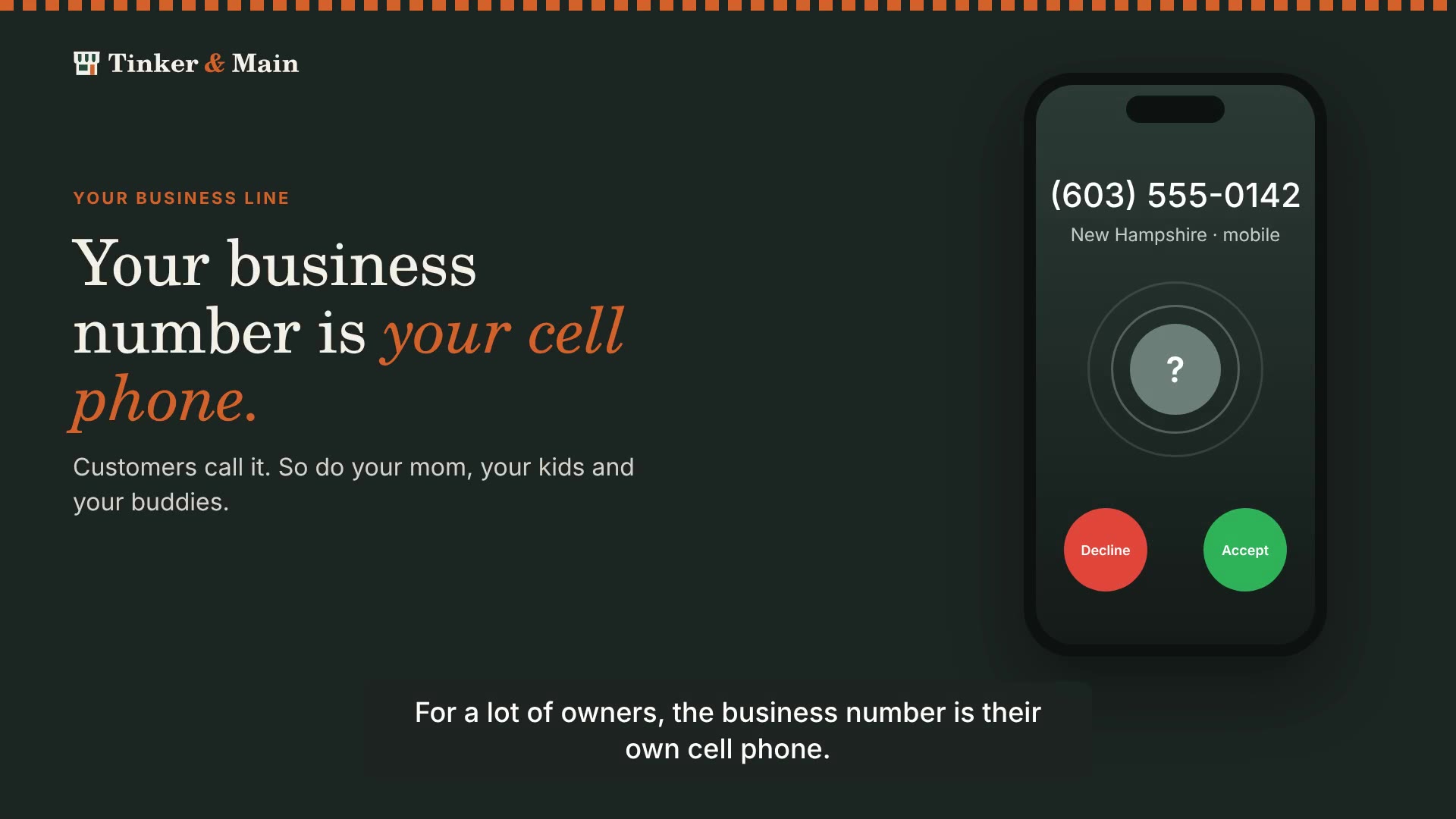
My business number is my cell phone. Will my family get the assistant?
Only if you miss their call, and even then they hear a personal greeting. Your phone rings first like it does now, and only the calls you don't pick up go to the assistant. Give us the numbers of family and friends, and when one of them can't reach you the assistant says something like “Hi Mom, this is Jon's assistant. Want me to pass along a message?” They never hear your business greeting or get the missed-call text, and any message is texted straight to you. Watch how it works (0:49)
Other trades
Built the same way for every trade.
- PlumbingBurst pipes paged at night, leaks booked by day.
- HVACNo-heat calls triaged, tune-ups on the calendar.
- ElectricalStorm calls and burning smells escalated fast.
- LandscapingCleanups booked in summer, plow routes in winter.
- ExcavationSite visits booked, crews and plow routes.
- Snow plowingStorm forecasts, driver dispatch and plow routes.
- Something else?Salons, auto shops, cleaners, offices. Tell us what slows you down and we'll build the fix.Tell us about your shop →
Let's fix it
Tell us what's eating up your day.
Send a note, or call or text. If we can't fix it, we'll say so, and point you to someone who can.
Ready to go? Fill in the getting-started form (about ten minutes, no passwords).